"next dev" and "next build" taking disproportionately long to execute #20362

Replies: 1 comment

|
There are a few things in this configuration that I would investigate before considering a Windows reinstall. The One thing that immediately stands out is the build script: "build": "next build NODE_OPTIONS=max-old-space-size=8192"
"build": "cross-env NODE_OPTIONS=--max-old-space-size=8192 next build"I would also avoid the canary version while troubleshooting: "next": "^10.0.4-canary.8"Use a stable Next.js release and make sure the exact version is locked in There is another important point: because the project uses WPGraphQL/Apollo and apparently performs data fetching during the Next.js build, I would check whether For example, temporarily add timing around the GraphQL requests: console.time('graphql')
const result = await client.query(...)
console.timeEnd('graphql')This would tell us whether the 10–15 minutes are actually being spent waiting for the WordPress/GraphQL endpoint. I would also run a completely clean build: rm -rf node_modules .next
yarn cache clean
yarn install --frozen-lockfile
yarn buildOn Windows, remove Then compare: node -v
yarn -v
yarn why nextI would also check whether the same commit produces the same behavior in a clean environment, for example Vercel or a fresh Node installation. Since the problem occurs both locally and on Vercel, that makes a machine-specific Windows issue less likely. One other detail I'd investigate is the "dev": "next dev && NODE_OPTIONS=--inspect"This does not enable the Node inspector for So I would not factory-reset the machine yet. I'd first isolate whether the slowdown is caused by:
If you can share the actual |


Uh oh!
There was an error while loading. Please reload this page.
Nextjs projects are taking an exceedingly long amount of time to build both locally and on vercel. This all started with a
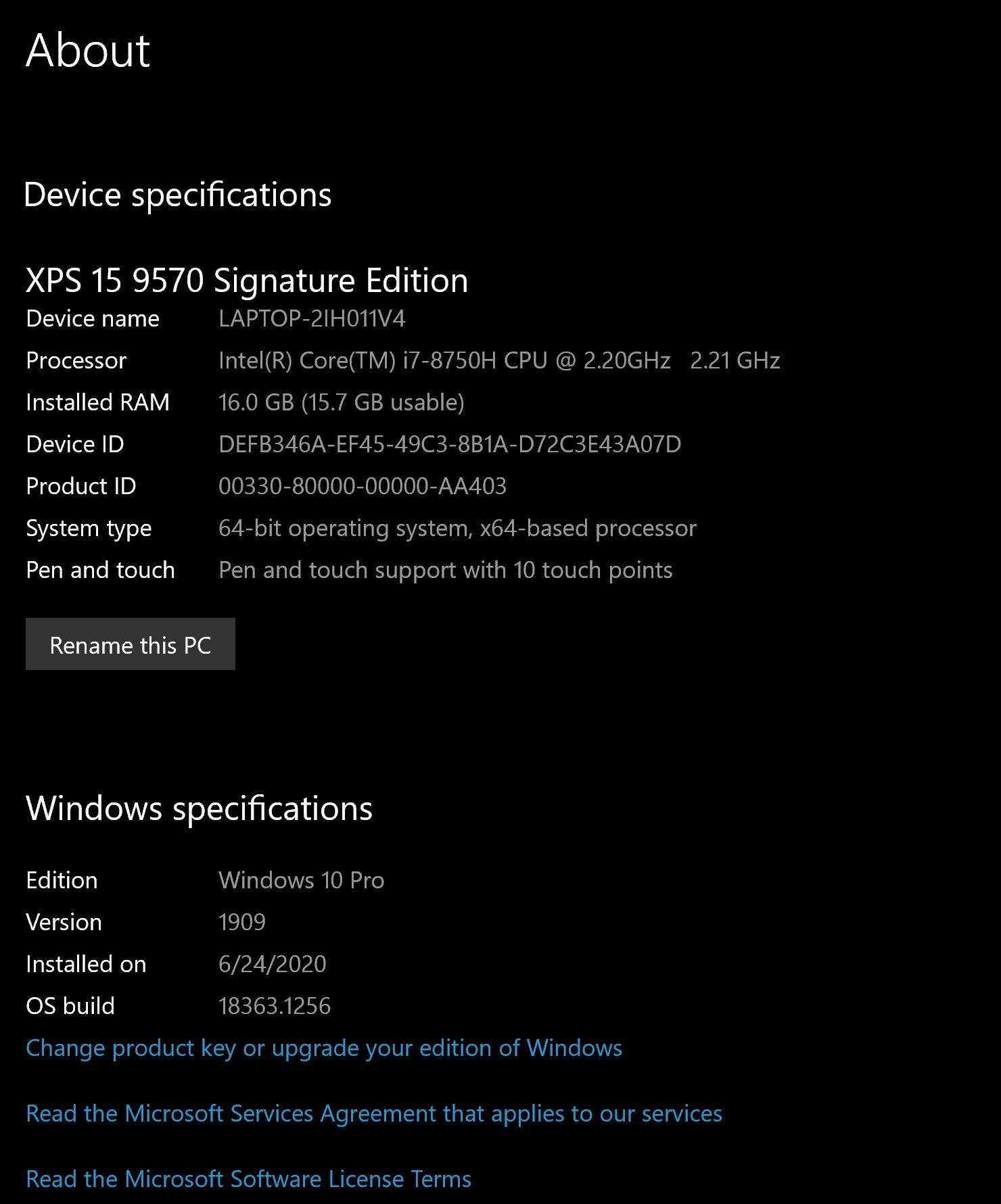
Node.js heap out of memoryerror on Friday morning. It gets to the next build step after installing dependencies then it stalls for ~10-15 minutes before finally proceeding with the build. Builds have usually only taken 2-3 minutes tops to complete. Here is the url for the repo in question. I've included my OS and device specs below:Headless WP via Amazon LightSail -- Linux instance ft Bitnami and Automattic (cloudfront CDN) -- using WPGraphQL to communicate with Headless CMS endpoint
Package.json for this project
Example Vercel Build output since this issue has started:
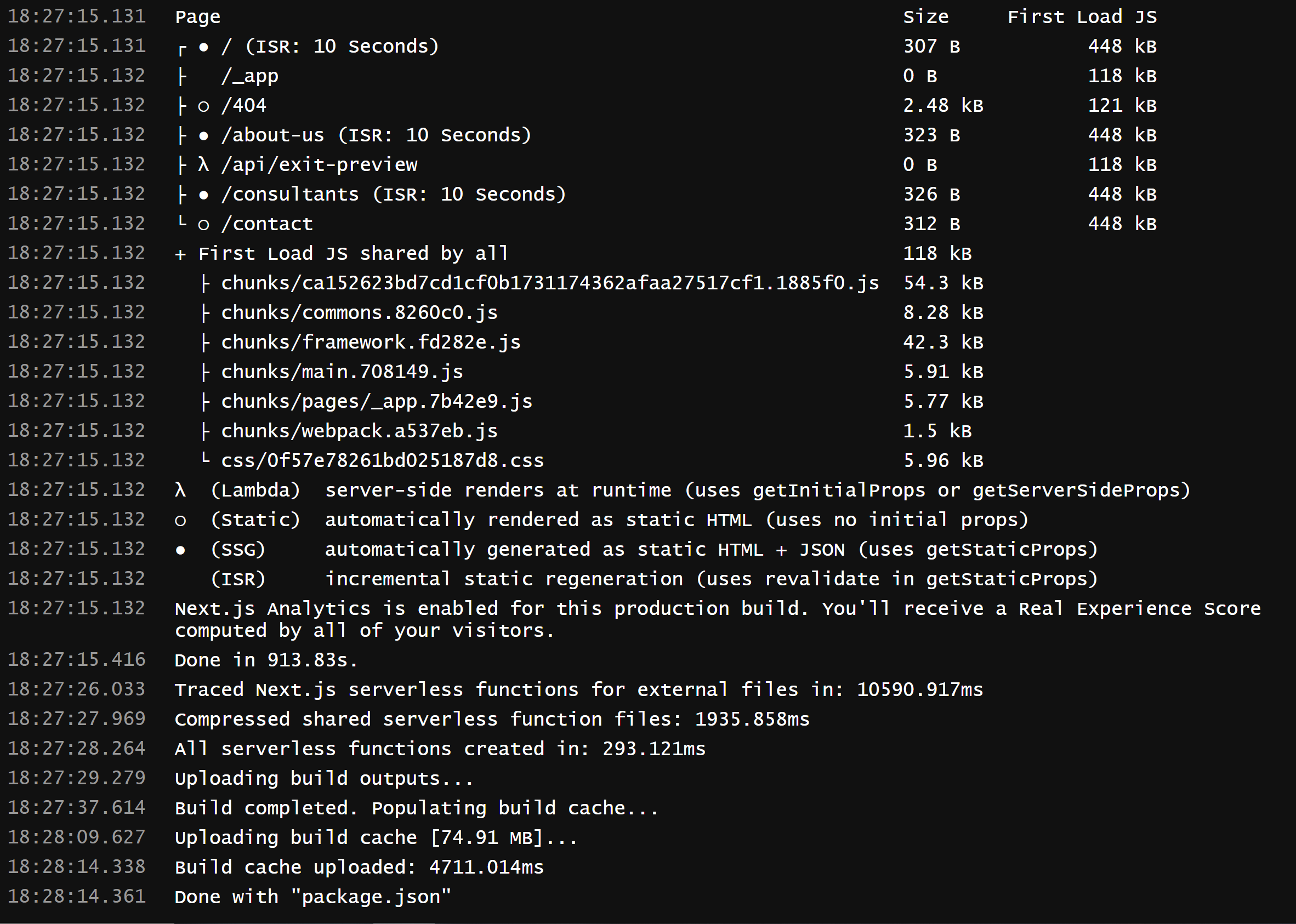
I have been trouble shooting this issue since Friday morning and opened an issue on Stack Overflow on Saturday evening. I have tried everything from defragmenting, to setting a new NODE_OPTIONS system environmental variable, to rolling back to previous versions of Node (v15->v14) and Next@10.0.x (as well as Next@10.0.4-canary-8)
I have also tried running
yarn cache clean --mirrorto remove global cache files. If I runyarn cache clean --allit will remove all cached files, both locally and globally...I'm not entirely certain as to what to do next.I rolled back an update for windows I installed on 12/18/20 as well. My next option is to salvage my files and restore factory settings...
All reactions